
TiviMate vs IPTV Smarters Pro 2026: Full Comparison After 30 Days Testing
TiviMate wins on your main TV for sports and live channels. IPTV Smarters Pro wins everywhere else. We ran a side-by-side test of TiviMate 4.7 and IPTV Smarters Pro 3.1 on a Firestick 4K Max and an Nvidia Shield for 30 days using the same Varodatic IPTV subscription. This article determines exactly which app matches your specific setup.
What These Apps Actually Are (And What They Are Not)
Many beginners confuse players with providers. TiviMate and IPTV Smarters Pro are player apps. They display content from your IPTV subscription. They provide zero channels on their own.
Think of them as a TV remote with a visual interface: they organize, display, and play the streams your provider sends. Both support M3U URL playlists and Xtream Codes API logins, meaning they work with any IPTV provider offering those credentials.
This distinction is critical. If your IPTV buffers constantly, the issue is usually the provider or your internet connection. The player only affects channel-switching speed, EPG quality, buffer control, multiview, recording capabilities, and UI navigation. During our testing, we fed the same Varodatic credentials into both apps simultaneously to isolate software performance from server quality.
Interface and Daily Experience
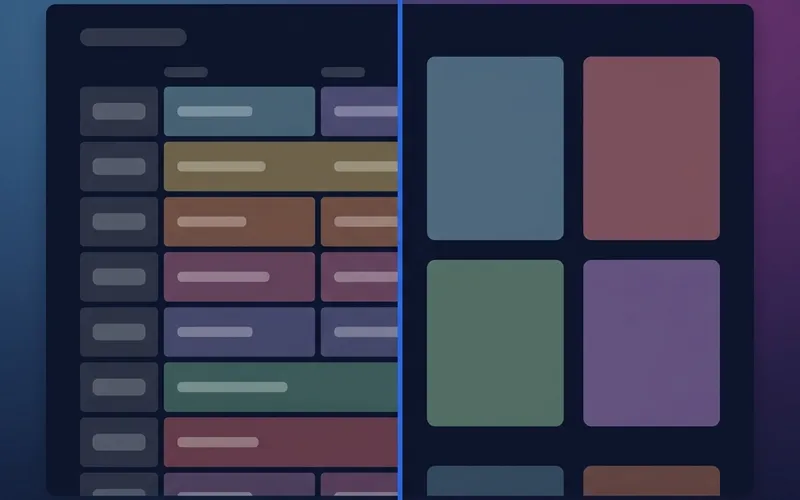
TiviMate 4.7
- Grid EPG on launch: You see what is airing across all channels before pressing a single button.
- Remote-first design: Every action demands minimal button presses.
- Customizable: Dark modes, accent colors, channel logos, fonts, and list views are fully adjustable.
- Speed: Sub-1-second channel switching on LAN connections.
- Mini-player: Audio continues running while you browse the guide.
IPTV Smarters Pro 3.1
- Dashboard interface: Large Live TV, Movies, Series, and Catch-Up tiles dominate the home screen.
- Beginner-friendly: The familiar structure requires zero learning curve.
- Touch-first design: Navigation with a Firestick remote requires significantly more button presses than TiviMate.
- Navigation speed: Scrolling through 10,000+ channels takes noticeably longer.
- VOD superiority: Browsing movies and series is visually superior to TiviMate.
TiviMate wins for live TV. Smarters Pro wins for VOD-heavy users and anyone transitioning from Netflix who requires a familiar layout.
EPG Quality
The Electronic Programme Guide (EPG) shows current and upcoming broadcasts. For sports fans, accuracy here is non-negotiable.
TiviMate's EPG displays 7-14 days of programming simultaneously. It supports multiple EPG sources to fill gaps if your provider's guide is incomplete. It includes a per-channel time zone offset, which is critical for UK or EU viewers watching US sports. You can search the entire guide, set recording reminders, and browse while the current stream plays in the mini-player.
Smarters Pro uses a standard grid format. It functions adequately for basic channel surfing but loads slower on massive playlists and offers fewer customization options. It occasionally bugs out on playlists exceeding 20,000 channels, and lacks a mini-player.
TiviMate wins the EPG category comfortably.
Performance and Buffering
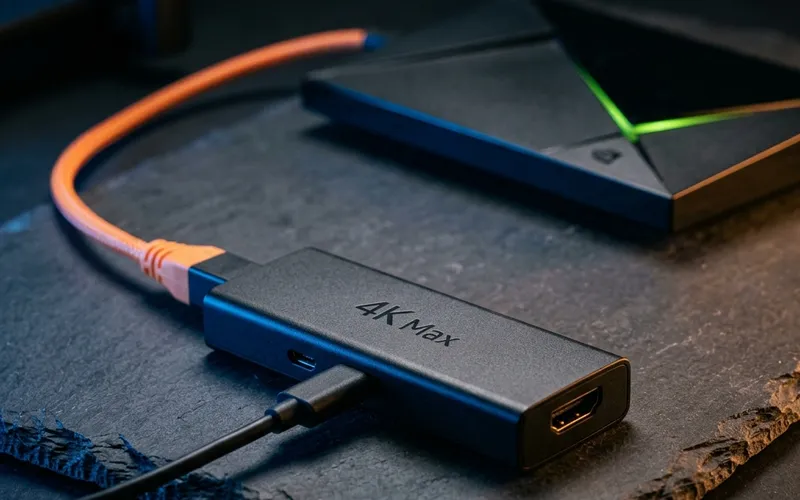
We tested both apps on a Firestick 4K Max running Fire OS 7.6. We throttled the connection to 35 Mbps to simulate heavy weekend congestion while streaming a 4K HEVC sports feed.
TiviMate maintained uninterrupted 4K playback. We set the hardware decoder to HW+ and maxed the buffer slider to 30 seconds. It dropped zero frames.
Smarters Pro handled 1080p perfectly but produced occasional dropped frames during 4K HEVC playback under identical simulated congestion.
However, performance depends entirely on correct settings. Most users fail to configure them properly. In TiviMate, you must select HW+ decoding and set a minimum 5-second buffer. In Smarters Pro, you must manually enable Hardware Acceleration in the Player Settings. Without this step, HEVC streams above 1080p will stutter on Amazon hardware.
| Setting | TiviMate (Optimal) | Smarters Pro (Optimal) |
|---|
| Decoder | Hardware (HW+) | Hardware Acceleration ON |
| Buffer | 5,000-30,000ms slider | 8,000-10,000KB |
| Multiple playlists | Yes (Premium) | Yes (free) |
| Multiview (4 screens) | Yes (Premium) | No |
| Recording | Yes (USB/NAS) | No |
TiviMate wins on raw performance and buffer control.
Pricing
Smarters Pro wins on price.
TiviMate's free version is heavily restricted. It lacks catch-up, multiple playlists, and favorites management. TiviMate Premium costs $18.99 annually or approximately $30 for a lifetime license covering five devices. If IPTV is your primary television source, the $1.58 monthly cost justifies the buffer control and multiview features.
Smarters Pro's free version is fully functional with minor ads. Most users never upgrade. The paid version removes ads for a one-time fee of roughly $1.99. For anyone testing a new provider, Smarters Free requires zero financial commitment.
| Feature | TiviMate Free | TiviMate Premium | Smarters Free | Smarters Paid |
|---|
| Cost | $0 | $18.99/yr | $0 | ~$1.99 once |
| Catch-up | No | Yes | Yes | Yes |
| Multiview | No | Yes | No | No |
| Ads | No | No | Yes | No |
Device Compatibility
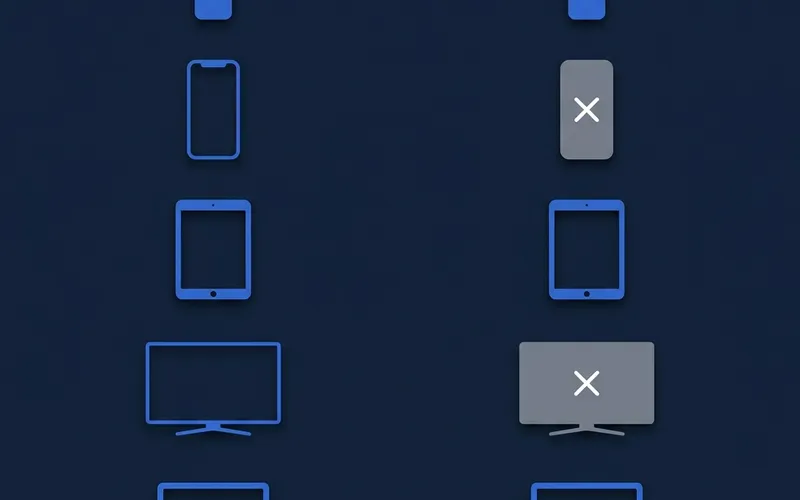
TiviMate only supports Android TV, Fire OS, and Android mobile. You must sideload it via the Downloader app, which requires a Firestick setup guide and takes about three minutes. It does not work on Apple TV, iPhones, Roku, or native Samsung/LG smart TVs.
Smarters Pro operates on virtually every platform. It is available natively in the Amazon Appstore, Google Play, Apple App Store, and directly on Samsung Tizen and LG webOS televisions. Zero sideloading is required.
| Device | TiviMate | Smarters Pro |
|---|
| Firestick (all models) | Yes (sideload) | Yes (Appstore) |
| Nvidia Shield TV | Yes | Yes |
| iPhone / iPad | NO | Yes |
| Apple TV | NO | Yes |
| Samsung Smart TV | NO | Yes |
| Roku | NO | Yes |
Smarters Pro wins here by a massive margin. If your household relies on Apple or Roku devices, TiviMate is eliminated entirely.
The Optimal Setup
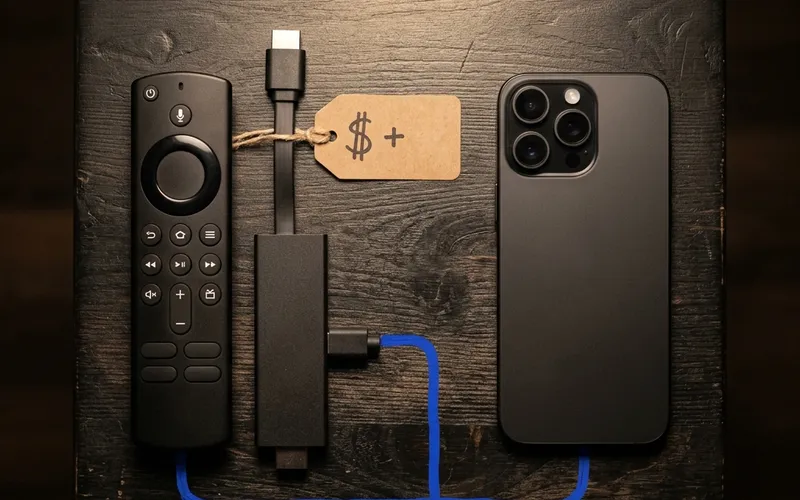
Most users ask the wrong question. You do not need to choose just one. Both apps operate perfectly on the same Xtream Codes credentials concurrently, provided your provider allows multiple simultaneous connections.
The best approach is installing TiviMate Premium on your primary living room television for live Saturday sports, multiview, and recording. Then, install Smarters Pro on your iPhone or iPad for VOD viewing and travel.
Who Should Choose Which
Choose TiviMate Premium if:
- You own a Firestick or Android TV as your primary device.
- You require multiview to watch four live matches simultaneously.
- EPG accuracy and fast navigation are priorities.
- You require aggressive buffer control for live sport stability.
Choose IPTV Smarters Pro if:
- You use an iPhone, Apple TV, Samsung Smart TV, or Roku.
- You want zero sideloading friction.
- You heavily favor movies and series over live television.
- You want to verify your provider before paying for a player.
Frequently Asked Questions
Is TiviMate better than IPTV Smarters Pro for Firestick?
Yes, for live sports and EPG navigation, TiviMate Premium is vastly superior on Firestick. However, IPTV Smarters Pro is easier to install since it is available directly in the Amazon Appstore without sideloading.
Can I use TiviMate and Smarters Pro at the same time?
Yes. Both apps can run the same Xtream Codes credentials simultaneously. You can use TiviMate on your main TV and Smarters Pro on your iPhone without consuming extra connections, provided your IPTV plan supports multiple devices.
Does IPTV Smarters Pro work on iPhone and Apple TV?
Yes. IPTV Smarters Pro is available natively on iOS and tvOS. TiviMate is not available on any Apple devices.
Is TiviMate free or do I have to pay?
TiviMate offers a free version, but it lacks essential features like multiple playlists, catch-up, and favorites management. TiviMate Premium costs $18.99/year or roughly $30 for a lifetime license covering 5 devices.
Why is my IPTV buffering on Smarters Pro but not TiviMate?
Smarters Pro requires Hardware Acceleration to be manually enabled in Player Settings to handle 4K HEVC streams smoothly. TiviMate often configures hardware decoding automatically and offers a larger 30-second buffer slider.
How do I install TiviMate on Firestick without the App Store?
You must sideload TiviMate using the Downloader app. Enter the official TiviMate APK URL into Downloader, install the file, and then unlock Premium via the TiviMate Companion app on an Android phone.
Which IPTV player is best for sports multiview in 2026?
TiviMate Premium is the definitive winner for sports multiview, allowing up to 4 simultaneous streams on a single screen without stuttering, provided your device hardware and IPTV connection allow it.
Put TiviMate on the main screen and Smarters on your phone. If you do not have an active subscription yet, start the free trial and test both players with Varodatic's 4K HDR streams and Xtream Codes support.
